Structure organizations, folders, projects, and branches for team-scale architecture work in IOModel Studio.
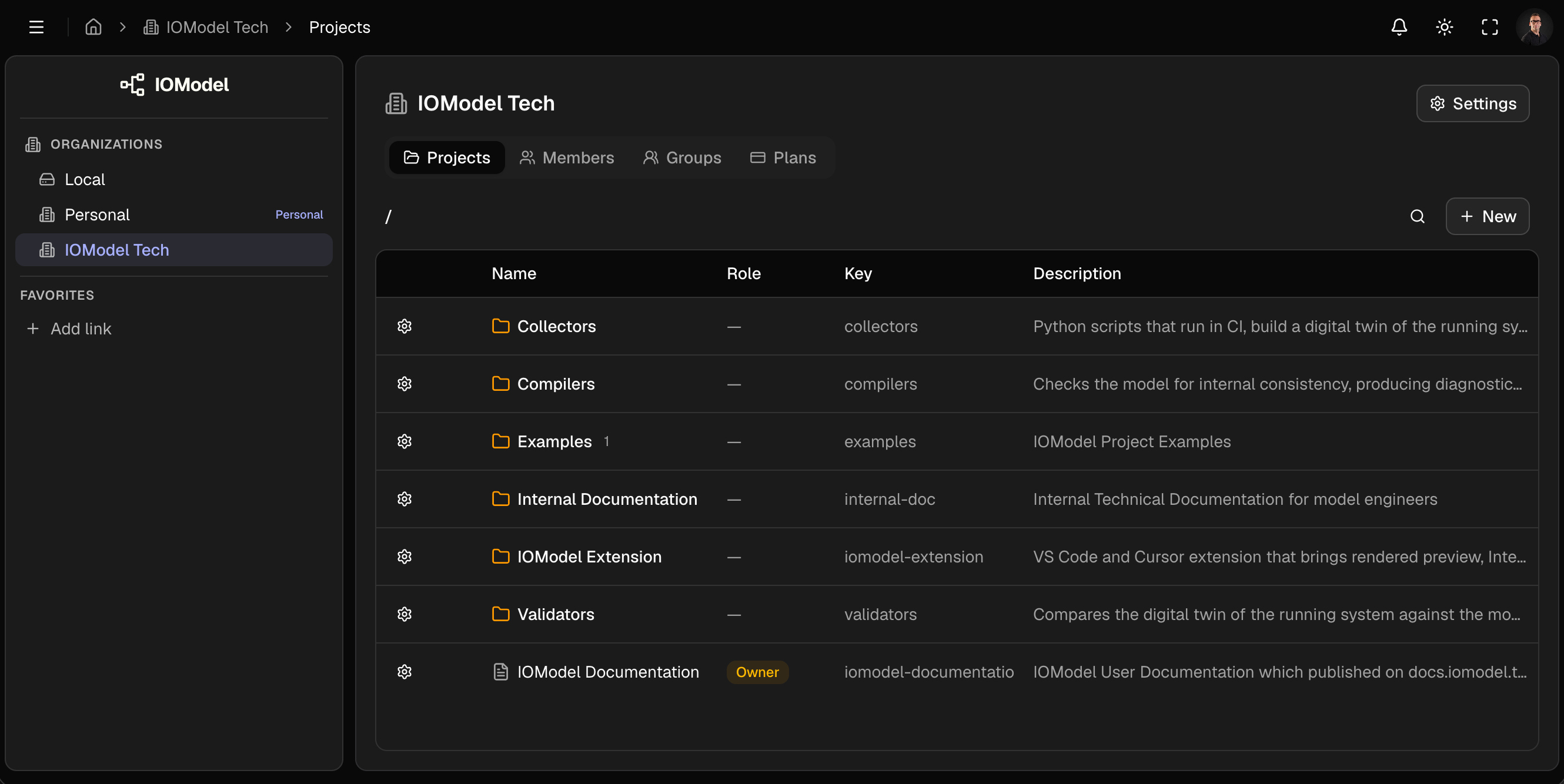
IOModel scopes architecture work in layers: an organization for the team, folders to group related projects, projects for each product or domain, and branches when multiple contributors edit the same cloud project in parallel.
Onboarding a new team? Walk through Create Project and Teams and Access once, then reuse them as your standard provisioning checklist.
Section map
Organization
Folders, members, groups, and lifecycle cleanup.
Projects
Create, import, clone, configure projects, and branch workflows.
Hierarchy
Organization → folder → project → branch → content
| Layer | Holds | Example |
|---|---|---|
| Organization | Members, groups, folders, projects | IOModel Tech |
| Folder | Related projects (may nest) | examples |
| Project | Model, specs, artifacts, members | IoT Gateway |
| Branch | Commits and a working copy | main, feature/alerts |
| Content | YAML, MDX, generated artifacts | objects/gateway.yaml |
Hosted in IOModel Studio. Branches, commits, and collaboration apply. Open any cloud project from the org Projects tab.
Recommended provisioning order
Create the project
Create Project or First Project. Choose a stable key before links and automation depend on it.
Verify the seed tree
Open Specs and Explore. A new cloud project includes branch main, a model skeleton, and spec common/welcome.
Assign access before editing
Add members or groups at folder or project scope. See Teams and Access.
Define branch policy
Treat main as reviewed canonical state. Use feature branches for non-trivial work. See Branches.
Before you start
- Membership in an organization (or a local workspace).
- Editor or higher on the target project — creation and edit controls are hidden for viewer.
- Org admin (
org_owner/org_admin) or folder admin to create projects at that scope. Org admins have owner access to every project in the organization.
Decide folder layout and project keys early. Renaming later breaks URLs, published links, and CI references.
Last updated on