One unified canvas for every model, structure, behavior, and task-focused view.
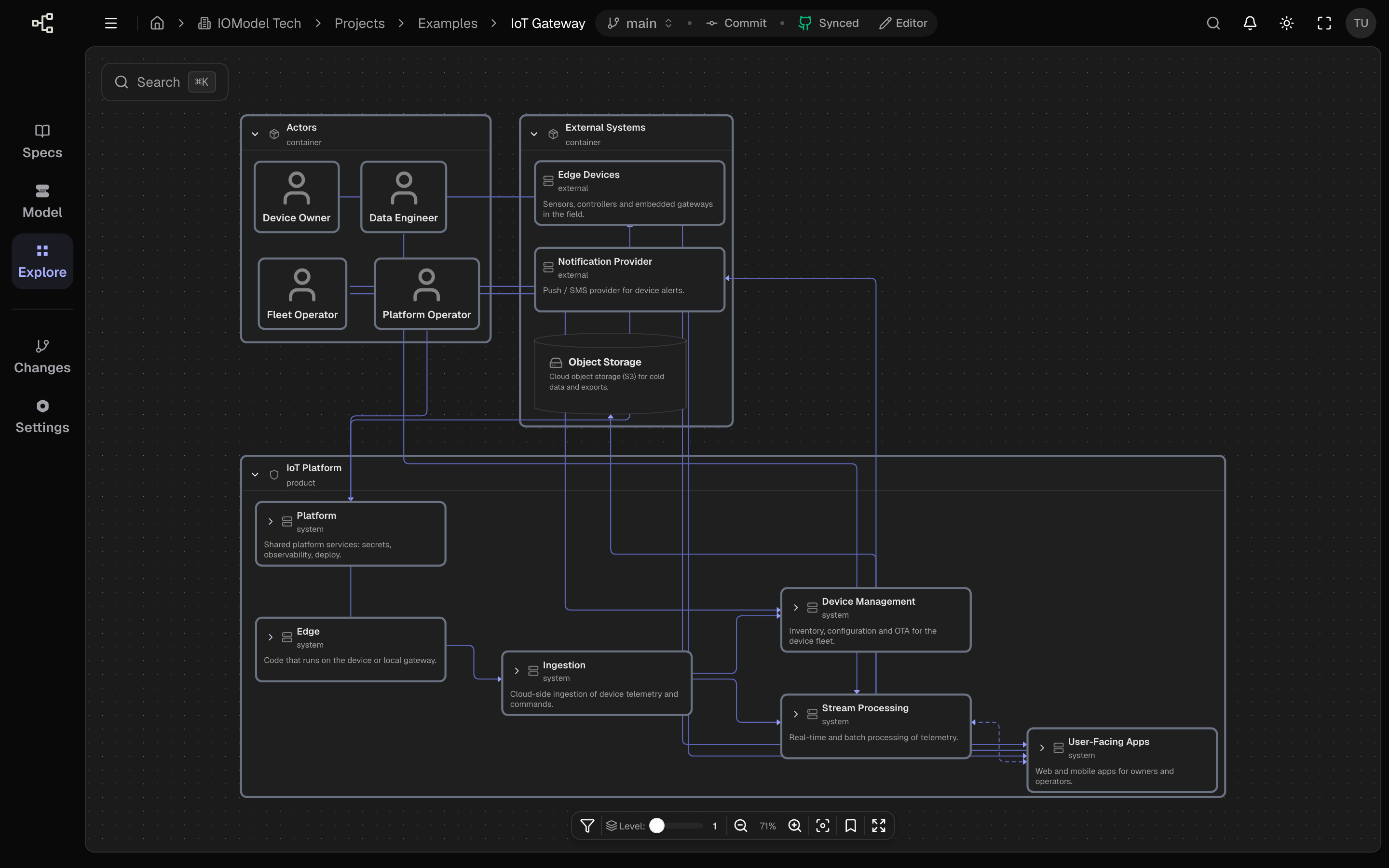
Explore is the unified interface for reading architecture in a project. Instead of jumping between separate diagrams and files, you open one canvas and see every part of every model — objects, links, and nesting — laid out together as a single interactive diagram.
From that same surface you can play workflows step by step, watching messages move across the structure, and filter or narrow what is visible so the diagram matches the task you are solving and the context you are working in.
In this group
Overview
What Explore is and how the unified canvas works.
Navigate Model Levels
Move between landscape, container, and component depth.
Search and Filters
Focus the diagram for a task or context.
Views
Landscape, service/component, and object detail.
Workflows
Move from exploration to specs and implementation.
What you can do in Explore
- See all models on one diagram — structure, relationships, and nesting in a single place.
- Play workflows attached to the model and follow each message on the same canvas.
- Filter and trim visibility by object, type, tags, or depth so only what matters for your task stays in view.
- Expand and collapse nesting to move between landscape and component detail.
- Open an object’s details, links, and attached artifacts from the object panel.
Treat Explore as the primary way to read architecture. One live canvas replaces scattered static diagrams — and you can reshape it for each audience or task without leaving the page.
Last updated on