Branch switcher and Changes page — create, switch, commit, archive.
Routine branch operations use the branch switcher (project toolbar). History, reset, default promotion, and archive are on the Changes page.
Who can manage branches
Branch controls (New branch, Commit changes, Changes management actions) require project role editor or higher. Viewers can read content on the active branch but do not see branch manipulation UI.
Free plan branch limit
On the Free plan, each cloud project may have one active branch (the default branch created with the project). Creating a second branch requires a Pro plan. See Plans.
Create a branch
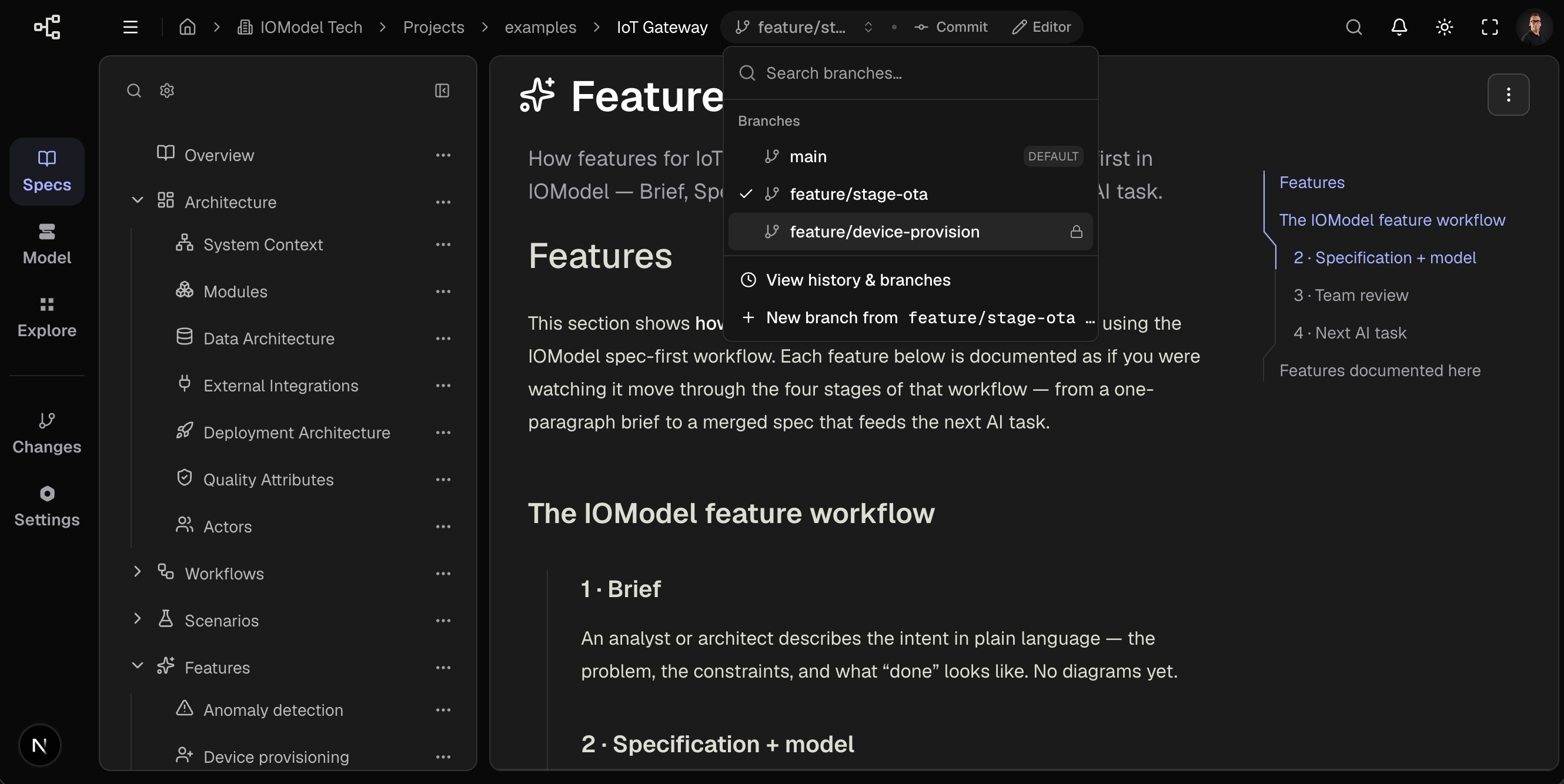
Open switcher
Select the branch name in the toolbar (Current branch: …).
New branch from HEAD
New branch from {current}… — branches from committed state, not uncommitted edits.
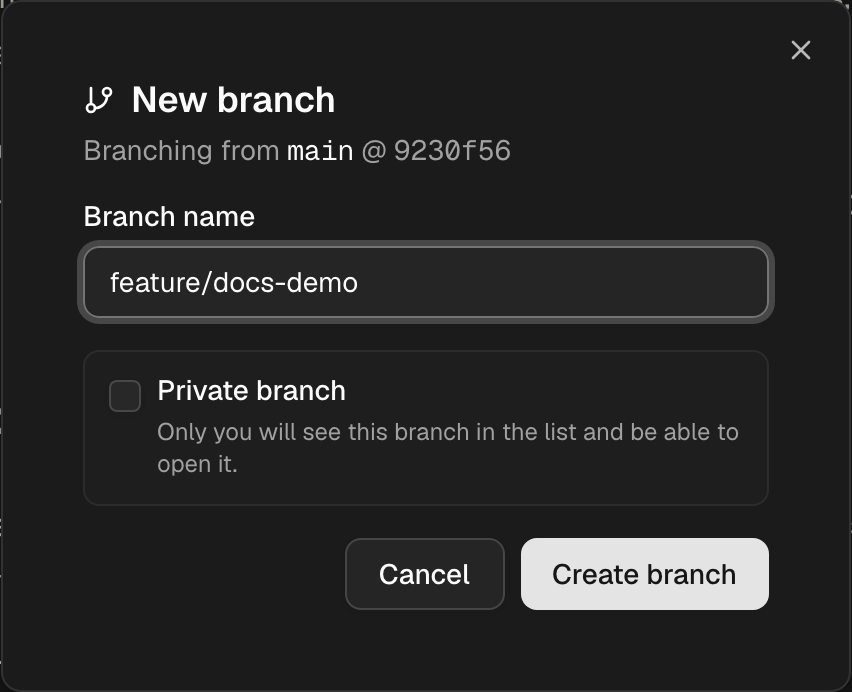
Configure
| Field | Input |
|---|---|
| Branch name | e.g. feature/device-alerts — rules |
| Branch type | Standard (default) — personal working copy, then merge. Collab — live shared editing; starts as only you. Protected — like Standard, plus merge request and review. |
Collab rooms are not pushed to GitHub/GitLab. To share work with Git, merge into a Standard or Protected branch, or open Access on the Changes page and Convert to Standard / Convert to Protected (the display name must be free in the shared namespace).
On a Collab branch, Access invites project editors or opens the room to all editors. Invite does not change the branch type.
Create branch — switcher selects the new branch.
Switch branches
- Open switcher
- Select branch (search when list is long)
Row indicators: default badge, lock (collab room), shield (protected), uncommitted count. Other people’s collab rooms are hidden.
Uncommitted edits remain on the source branch. Commit before switch when coordinating handoff.
Commit
Toolbar Commit changes when working copy is dirty. Requires editor or higher. Mobile: switcher → Commit changes….
Changes page operations
Switcher → View history & branches.
| Operation | Constraint |
|---|---|
| Set as default | Collab branches excluded |
| Access (Collab) | Owner invites editors, opens to all editors, or converts to Standard/Protected |
| Rename | Not on default branch |
| Reset to commit | Destructive — non-default only |
| Archive | Not on default branch |
Team-visible. Each editor works on a personal copy, then merges. This is the default, including main. Eligible for Git sync.
Post-promotion: Archive and Cleanup.
Last updated on