Inspect a single object's attributes, links, and artifacts.
The object detail view focuses on one object. It surfaces everything modeled about that object — metadata, relationships, and attached artifacts — in one place.
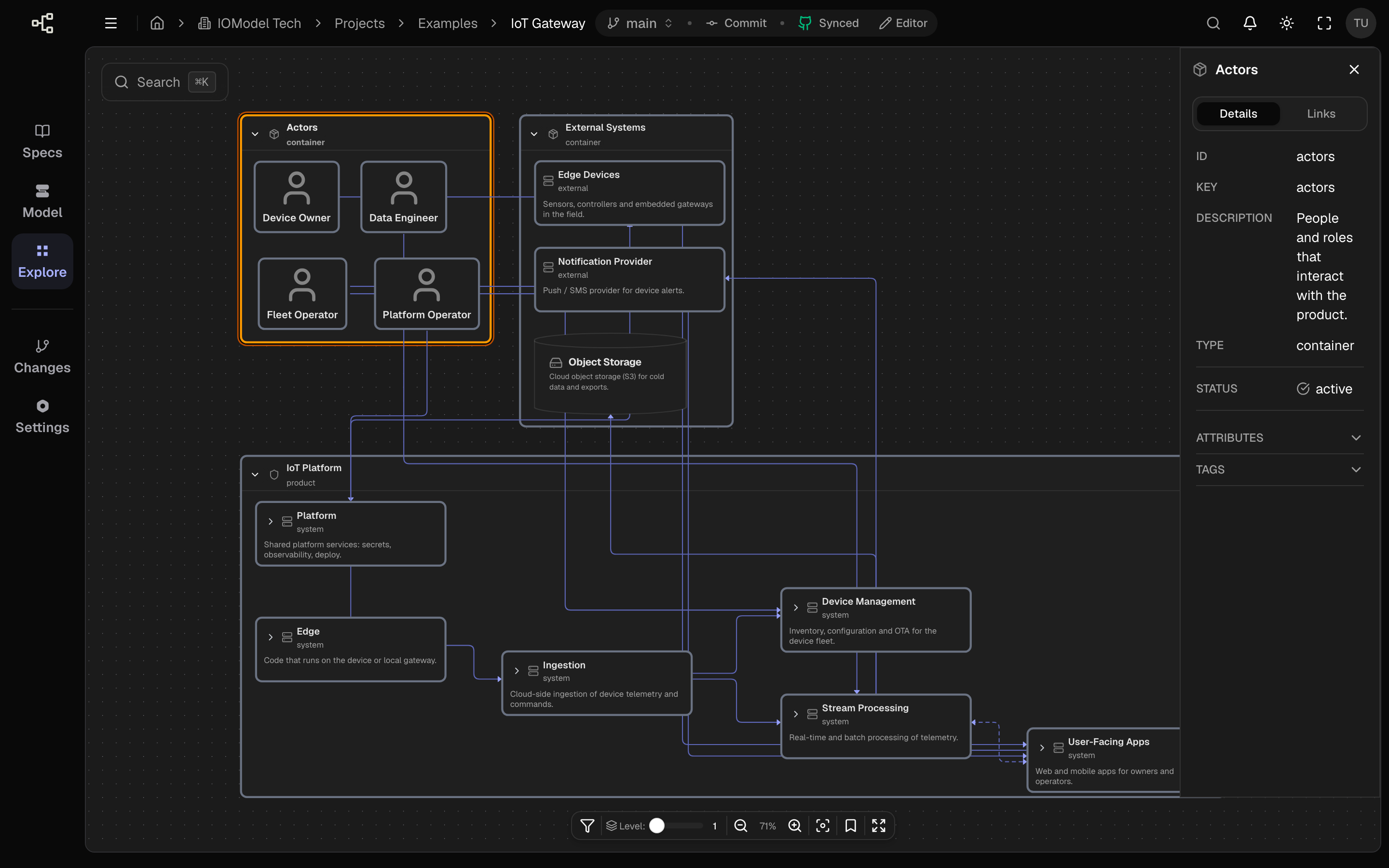
What it shows
| Section | Contents |
|---|---|
| Metadata | Title, type, description, and schema fields |
| Attributes | Free-form and schema-defined properties |
| Links | Outgoing and incoming relationships |
| Artifacts | Attached ERD, OpenAPI, or MDX documents |
Using the detail view
Select the object
Click a node in Explore to open its details.
Review relationships
Check incoming and outgoing links to understand its role.
Open artifacts
Inspect attached artifacts such as an ERD or OpenAPI contract.
Jump to specs
Follow links to specifications that document the object in prose.
Attributes come from the schema
Schema-defined fields (like status, tech, or owner) appear alongside
free-form attributes, so the detail view reflects the object’s type.
Keep each object’s description short and current. The detail view is where teammates look first to understand what an object is and why it exists.
Last updated on