What IOModel is made of, how Studio and the IDE work together, and the core vocabulary every team uses.
IOModel keeps your architecture model, diagrams, and specifications in one workflow — and continuously checks that the model still matches the system you actually run.
The key product value is not just editing speed. It is consistency between architecture, documentation, and the real system over time.
What IOModel is made of
IOModel is one product made of several components. Studio and the model/spec format are available on the Free plan[^studio-free]. The tools that connect the model to your real system, your editor, and your pipeline are on the Pro plan.
[^studio-free]: Studio is free for core editing, collaboration, diff, and merge. Some in-Studio features — such as the Compiler and Validator — are part of the Pro plan.
IOModel Studio
Browser-based workspace for collaborative editing, tree navigation, visual diagrams, diff, and merge.
IDE Extension (Pro)
VS Code / Cursor extension with rendered preview, IntelliSense for model YAML and MDX, and the compiler inline.
IOModel Collector (Pro)
Python scripts that run in CI, build a digital twin of the running system, and push it to Studio via API.
IOModel Validator (Pro)
Compares the digital twin against the model to surface where reality has drifted from the design.
IOModel Compiler (Pro)
Checks the model itself for consistency. Runs in both Studio and the IDE Extension.
Where each component runs
| Component | Studio | IDE Extension | CI | Plan |
|---|---|---|---|---|
| Model & spec editing | Yes | Yes | — | Free |
| IOModel Compiler (consistency) | Yes | Yes | Yes | Pro |
| IOModel Validator (model vs reality) | Yes | Yes | Yes | Pro |
| IOModel Collector (digital twin) | — | — | Yes | Pro |
| IntelliSense & live preview | — | Yes | — | Pro |
Two checks, two questions
The Compiler answers “is the model internally consistent?”. The Validator answers “does the model still match the real system?” using the digital twin produced by the Collector.
Studio and IDE are complementary
Studio and the IDE Extension operate on the same content model. Use each where it brings the highest signal.
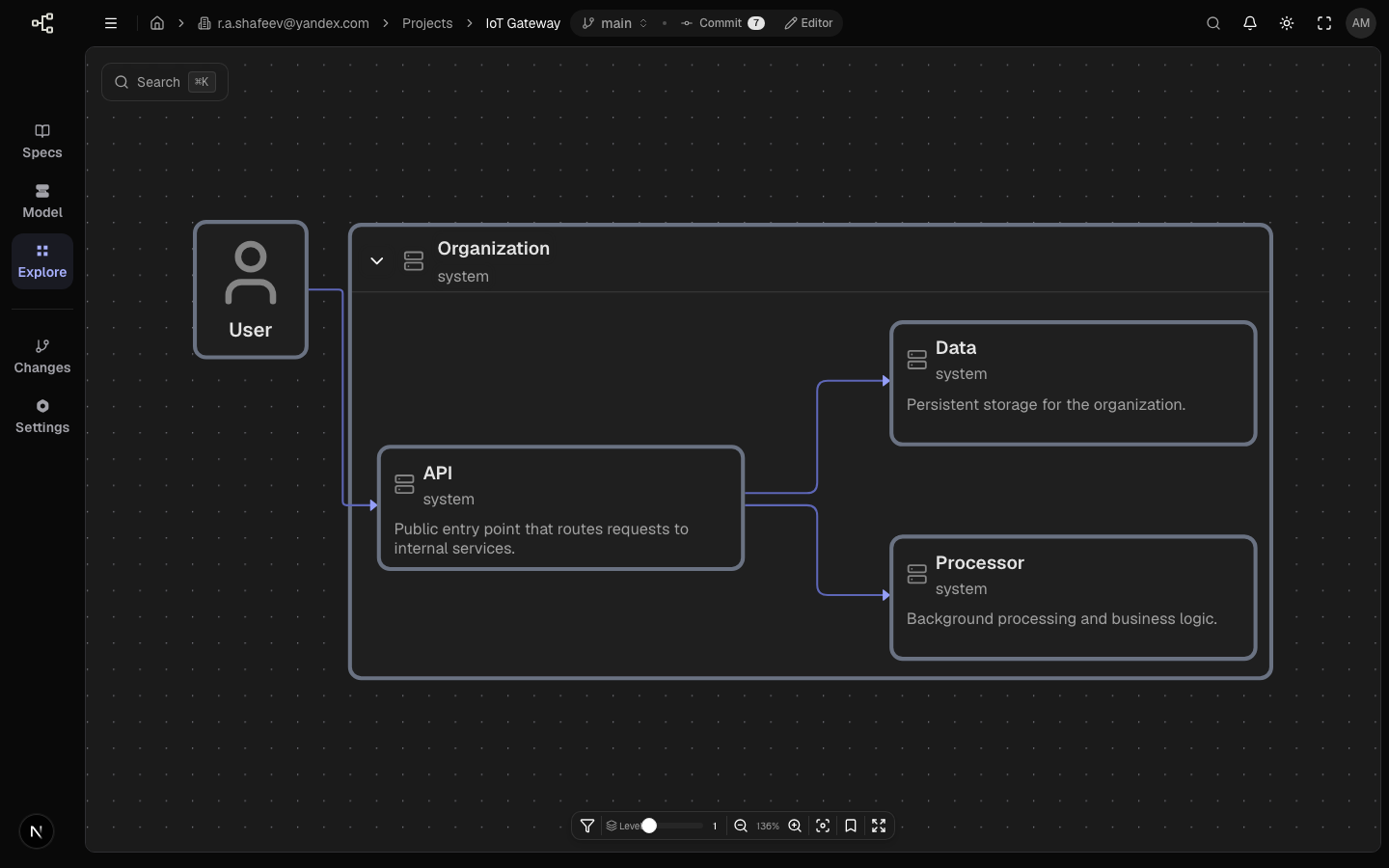
- Real-time alignment and collaborative editing.
- Structure/navigation decisions and visual diff review.
- Cross-role design sessions.
Recommended team pattern
Align direction in Studio
Agree on architecture direction and spec structure.
Refine in IDE
Implement and adjust details near code.
Review and merge
Finalize changes in Studio or the linked Git workflow.
Core concepts
These terms are used across every IOModel workflow and the rest of the docs.
Model
Structured architecture source (systems, services, links, workflows).
Specification
MDX document that captures context, decisions, and implementation impact.
Artifacts
Embedded model outputs such as objects, workflows, ERD, and contracts.
Branch
Isolated change line for safe parallel edits and review.
Digital twin
Snapshot of the real running system, captured by the Collector and compared to the model.
Diagnostics
Issues reported by the Compiler and Validator, with file and line locations.
Practical rule
When architecture changes, update both the model and the spec section that explains the decision. If one side is updated without the other, team understanding and implementation accuracy degrade quickly.
Main outcomes
- One model drives architecture views and embedded documentation artifacts.
- Specs remain linked to model entities instead of drifting into static text.
- Teams can collaborate in Studio while engineers keep IDE-first workflows.
- The Collector and Validator keep the model honest against the system you actually run.
- Everyone uses the same vocabulary for model, specification, artifact, branch, and review.
Last updated on